

How to set WooCommerce to skip the cart depends on how your customers buy. You can use a built-in redirect to the cart page, a code snippet for WooCommerce direct checkout, or a plugin for product-level control. This guide compares each route, explains add to cart redirect to checkout in WooCommerce, and lists what to test before the change goes live.
Checkout
How to Set WooCommerce to Skip the Cart
How to set WooCommerce to skip the cart and send buyers straight to checkout. Covers the built-in setting, add to cart redirect code, buy now buttons, and what to test.
Keep reading
Checkout
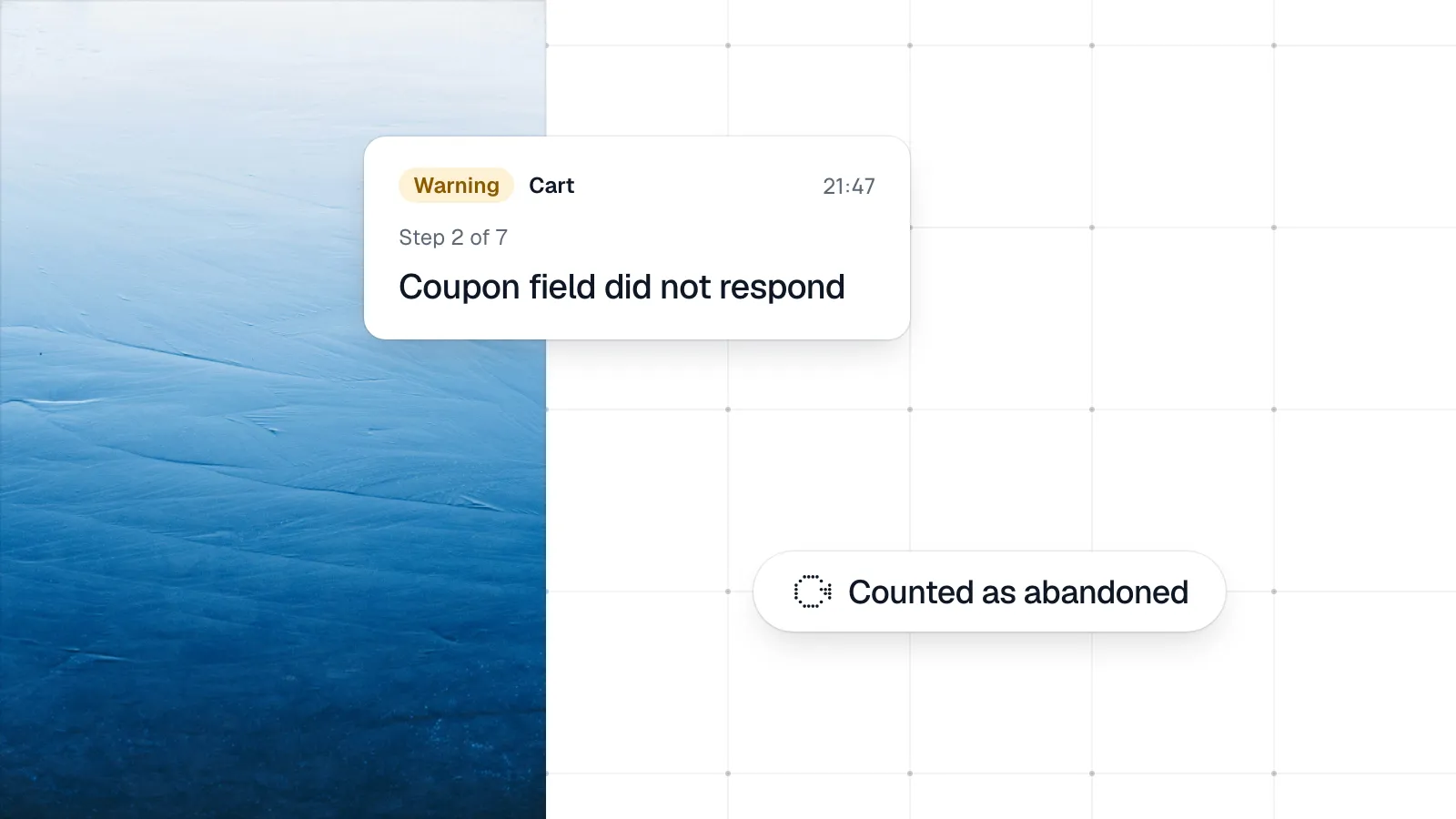
WooCommerce Cart Abandonment: Technical Causes
WooCommerce cart abandonment in analytics often hides broken checkouts. Here are technical failures that look like abandonment and how to tell the difference.
Checkout
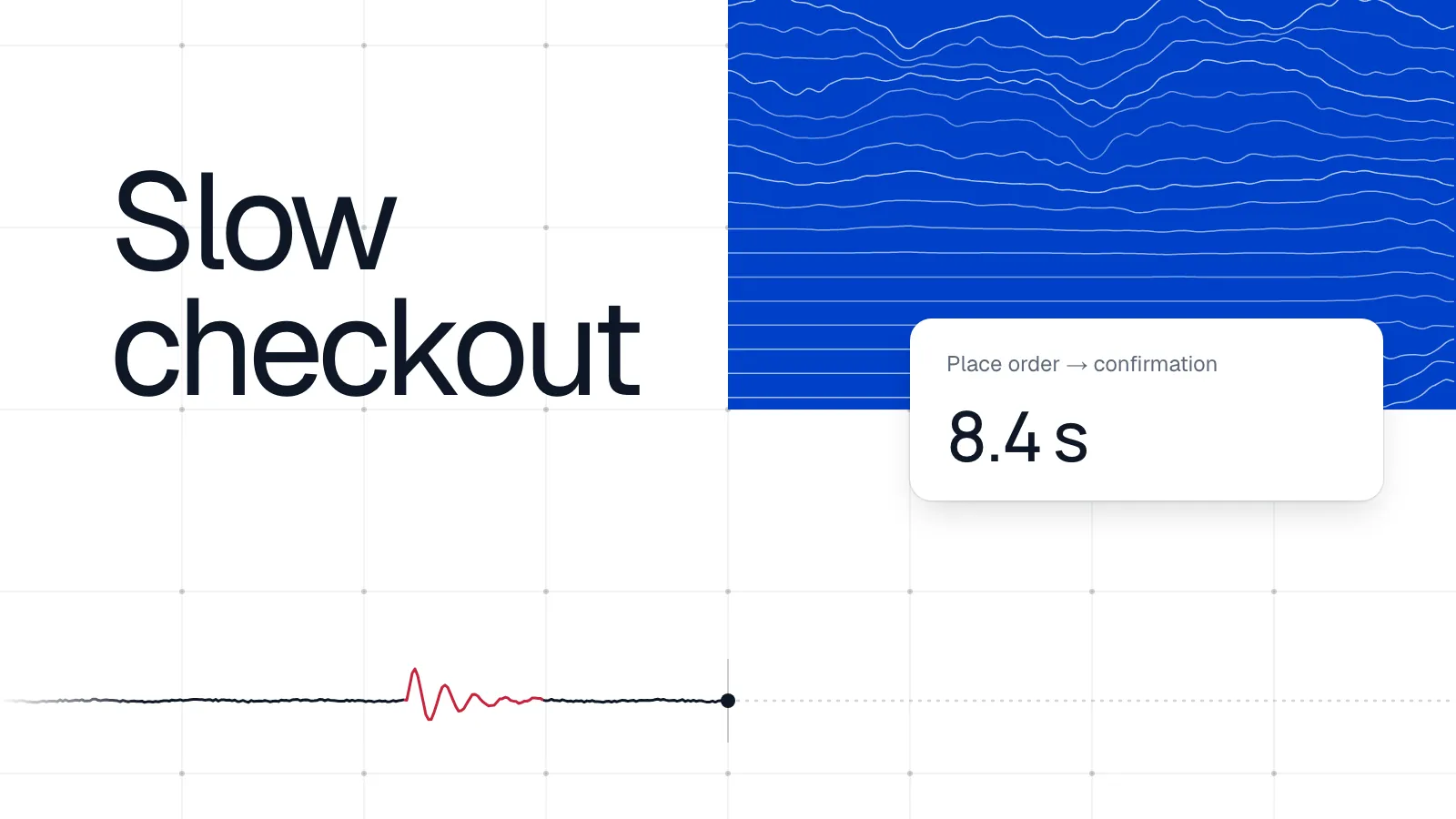
WooCommerce Checkout Slow: Causes and Fixes
When woocommerce checkout slow issues cost conversions, start here: common causes from AJAX to gateway latency, and how to speed up woocommerce checkout safely.
Checkout
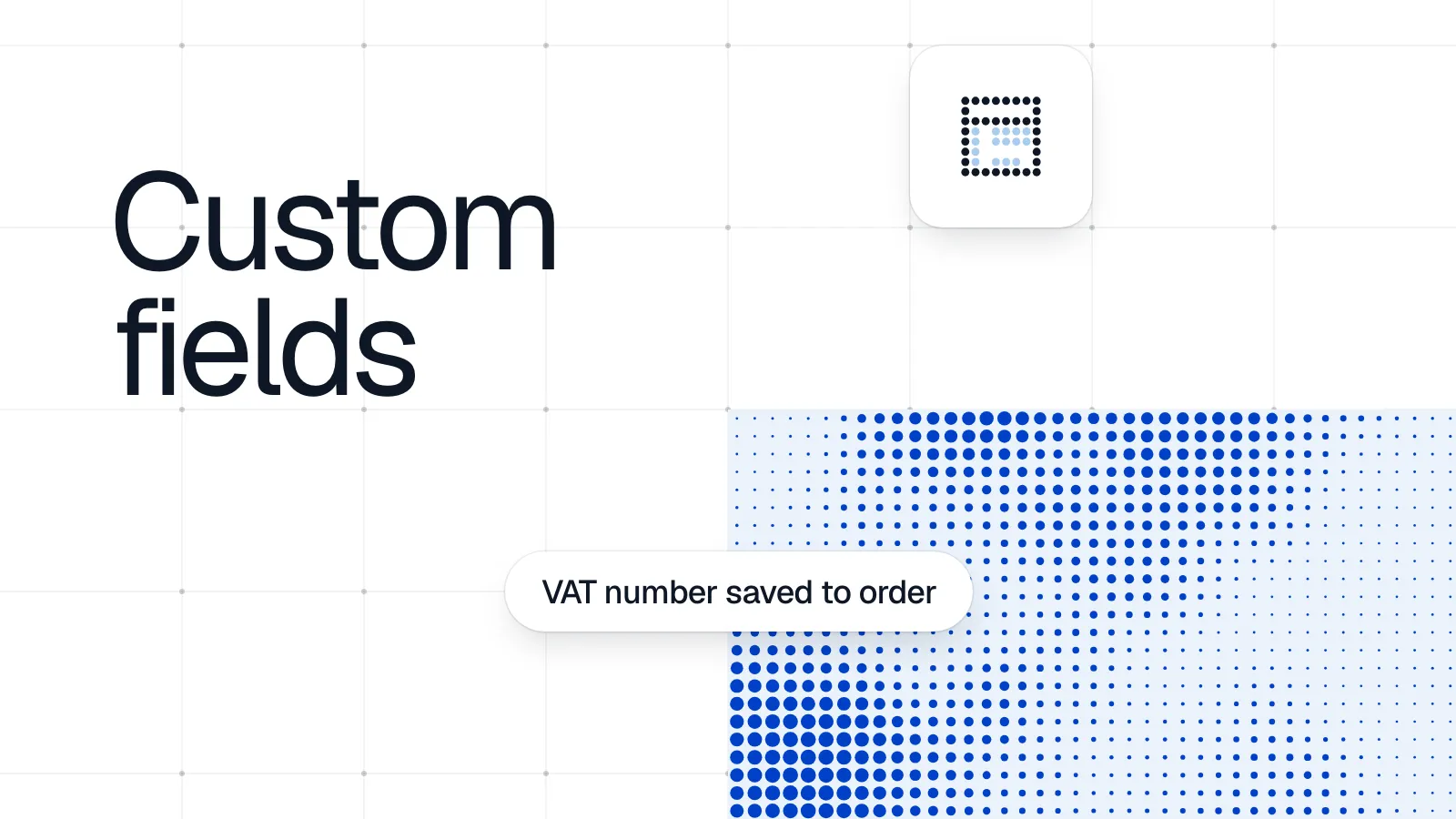
WooCommerce Custom Checkout Fields: Add and Save
Learn how woocommerce custom checkout fields work: add them with code or a plugin, save values to the order, and validate without breaking checkout.

Start now,
before your checkout fails
Setup takes under five minutes and needs no code changes. Your first test runs right away.

No credit card needed
Free trial for 3 months
Quick setup
Takes 5 minutes at most
Instant results
First test within minutes