WooCommerce security is not WordPress security with a shop bolted on. A store that gets compromised loses order history, customer addresses and, in the worst case, the integrity of its payment flow. This checklist works through fifteen concrete steps in the order they pay off, then covers the checkout test almost every security guide leaves out.
What makes WooCommerce security different
Two things change once a WordPress install starts taking money: what is stored in the database, and who becomes interested in your site.
The data a store holds
- Customer identities
- Names, billing and shipping addresses, email addresses, phone numbers.
- Complete order history
- What each customer bought, when, for how much, and where it was delivered.
- Gateway references
- Transaction IDs, and often payment tokens that map to a stored card at the processor.
- Operational secrets
- API keys for gateways, carriers and your email provider, mostly in the options table.
Steps 1 to 5: the basics
Five basics. None of them are interesting, and they prevent most of what actually happens to small stores.
Force HTTPS on every page, not just the checkout.
Mixed content on a product page still leaks session cookies.
Turn on two-factor for every admin and shop manager.
Most small-store compromises start with a password that leaked elsewhere.
Keep core, WooCommerce and plugins current.
Patch within days when an advisory is published, not at the next maintenance window.
Remove plugins and themes you do not use.
A deactivated plugin is still code on your server.
Limit login attempts.
Rate limiting stops most credential stuffing before it starts.
Steps 6 to 10: access and code
Disable the theme and plugin file editor, so a stolen admin session cannot rewrite your code:
define( 'DISALLOW_FILE_EDIT', true );- Give every person their own account, with the lowest role that works.
- Run a supported PHP version on isolated hosting.
- Use a database user that can only reach this store's database.
Steps 11 to 15: data and recovery
| Layer | What to check | How often |
|---|---|---|
| Access | 2FA, admin count, login limits | Monthly |
| Code | Updates, file editor, permissions | Weekly |
| Backups | Encrypted, offsite, a tested restore | Quarterly |
| Checkout | A real test order, end to end | After every change |
The checkout test most guides skip
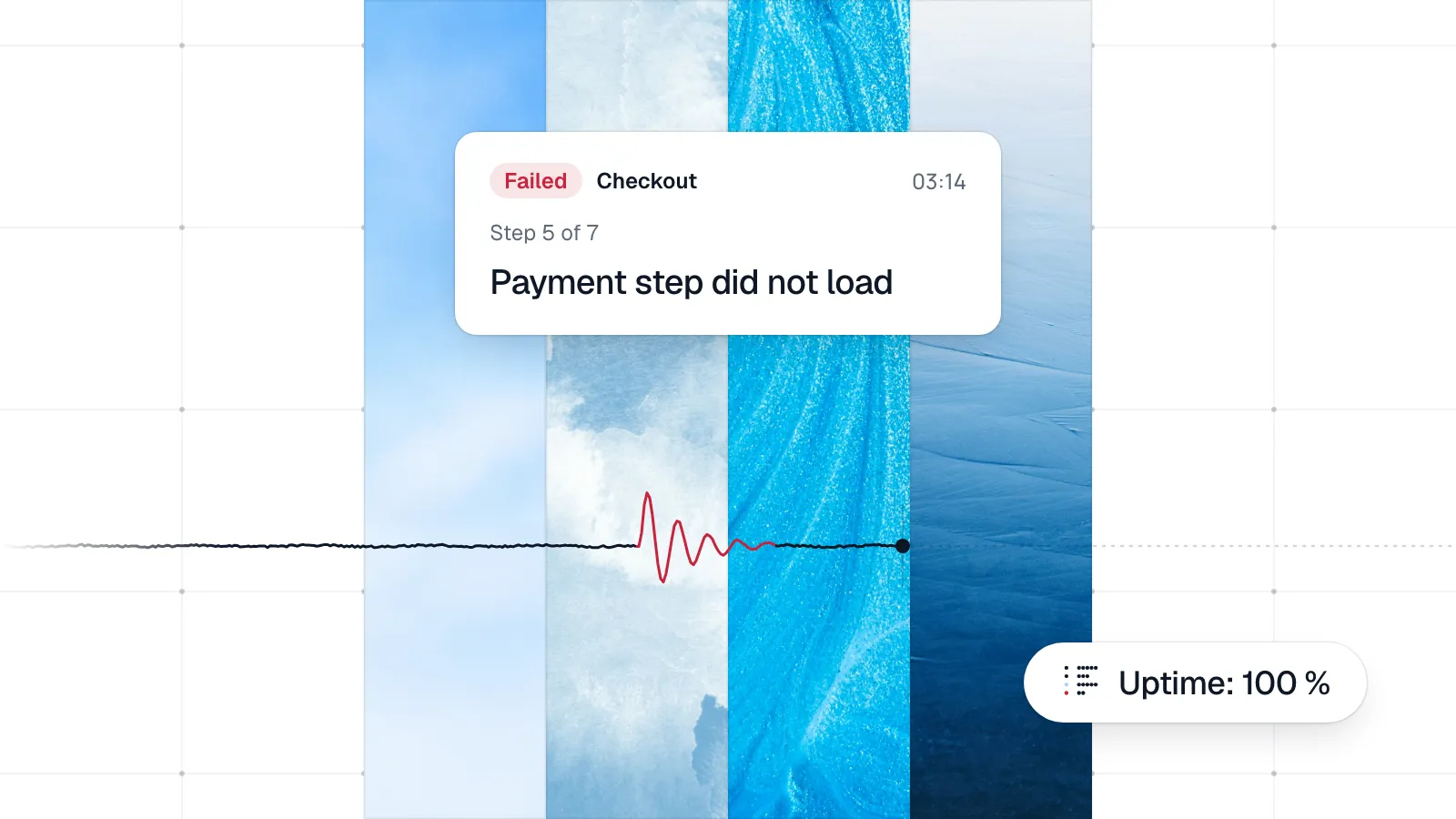
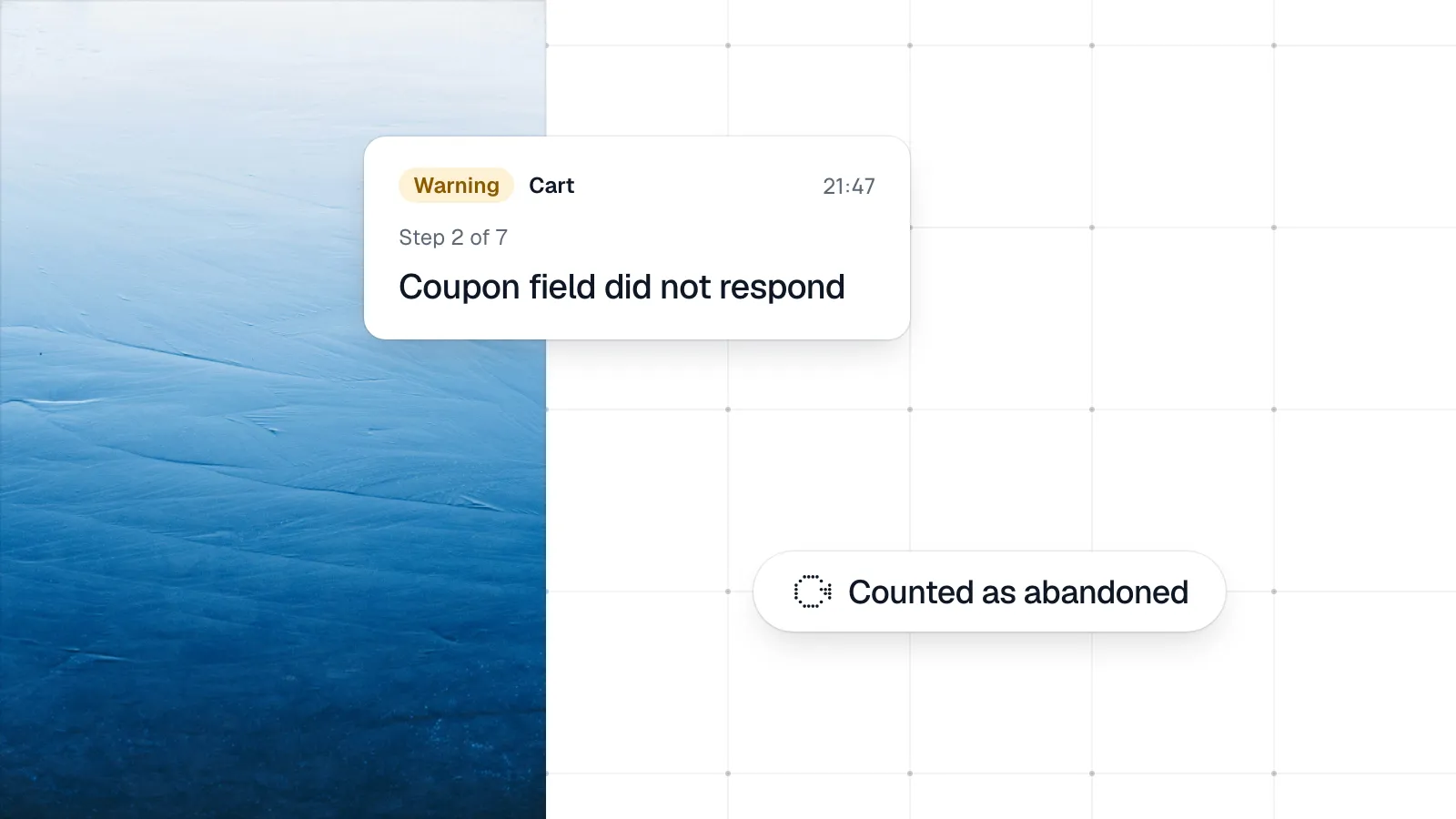
Hardening tends to break the one thing that earns money. A firewall rule blocks the gateway callback, bot protection rejects the checkout request, or a CAPTCHA stops real customers on mobile. None of these show up in an uptime check. Test the checkout after every security change.
Frequently asked questions
Does WooCommerce store credit card data?
Not in a normal gateway setup. With a hosted payment page or hosted card fields, the card number goes from the customer's browser to the gateway and never reaches your server.
Is WooCommerce PCI compliant?
PCI DSS applies to the merchant and the environment that handles card data, not to software. Your integration method decides how much of your setup is in scope.
Can a security plugin break my checkout?
Yes. Firewall rules, bot protection and CAPTCHAs are common causes of a silently broken store. Place a test order after every rule change.